When to Use This Playbook
Critical Situations That Require Emergency Recovery
Claude has been implementing the wrong thing for 30+ minutes You just discovered major architectural mistakes The codebase is in an inconsistent state You're at 5% context and everything is broken Claude is confidently wrong and doubling down
Critical Rule: STOP IMMEDIATELY
Don't: Let Claude continue 'fixing' things, ask Claude to explain what went wrong, or try to salvage the current conversation. Do: Press ESC to interrupt Claude. Send a clear message: 'STOP. Don't make any more changes.'
The 5-Minute Recovery Protocol
Step 1: STOP IMMEDIATELY (30 seconds)
Press ESC to interrupt Claude if it's still working. Send: 'STOP. Don't make any more changes.'
Step 2: Assess the Damage (2 minutes)
Run your build checkers: npm run build, npm run type-check. Check git status and git diff. Critical decision point: Is this fixable in 5 minutes by you? Then do it yourself. Does it need systematic Claude help? Continue to Step 3.
Step 3: Create a Recovery Plan (2 minutes)
Document what went wrong in /dev/active/recovery-[timestamp]/ with three files: what-went-wrong.md (describe the mistake specifically), correct-approach.md (describe what should have been done), and files-affected.md (list each file's status: broken, partially correct, or good).
Step 4: Execute Recovery (varies)
Option A - Git Revert (Fast): If everything from last 1-3 commits is wrong, use git revert or git reset --hard HEAD~3 if you haven't pushed. Option B - Selective Revert (Medium): Revert specific files: git checkout HEAD~3 -- path/to/file1.ts path/to/file2.ts Option C - Fresh Start with Context (Slow but Safe): Start a new conversation with Claude, provide context from your recovery plan, and implement the correct approach.
Step 5: Update Dev Docs
Critical step to prevent repeat mistakes. Add a Lessons Learned section to [task]-context.md documenting: the mistake made, why it happened, how to avoid it, and the correct pattern with code examples.
Recovery Pattern: Wrong Architecture
Symptoms
Everything compiles but the design is fundamentally wrong. The feature works but the architectural approach is incorrect.
Recovery Steps
Stop all work immediately Create new planning session Show Claude the wrong approach vs. correct approach Get new plan approved before proceeding Selective revert of architectural files Re-implement with new plan
Time Investment
1-2 hours for complete recovery and re-implementation
Recovery Pattern: Breaking Changes
Symptoms
50+ TypeScript errors, cascading failures across multiple files, build completely broken
Recovery Steps
Git revert to last good state immediately If some changes are good, launch build-error-resolver agent Or clean slate: revert all and start over with better plan
Time Investment
30 minutes - 1 hour
Recovery Pattern: Misunderstood Requirements
Symptoms
Feature works and compiles but does the wrong thing. Code is well-structured but solves the wrong problem.
Recovery Steps
Don't revert the code (it's well-structured) Create detailed requirements document Show Claude: Current behavior vs. Required behavior Let Claude refactor to correct behavior Add requirements to context.md to prevent future misunderstandings
Time Investment
30 minutes - 1 hour
Prevention: Red Flags to Watch
Red Flags During Planning
Claude skips asking clarifying questions Plan is vague on implementation details No risks identified in the plan Timeline seems way too optimistic
Red Flags During Implementation
Claude makes architectural changes without mentioning them Build errors appear but Claude dismisses them You don't understand what Claude just did Claude is working on files you didn't expect
Action When You See Red Flags
Wait. Before continuing, explain: 1) What change you just made and why, 2) What files you modified, 3) What the before/after behavior is, 4) Why this approach vs. alternatives
Checkpoint Protocol
Every 30-45 Minutes
Run builds to ensure nothing is broken Review git diff to understand all changes Check tasks list for progress Ask: Are we still on track with the original plan?
Every 2 Hours
Run /code-review to catch issues early Update dev docs with learnings Test the feature manually Commit good work to preserve progress
When to Cut Your Losses
Revert Everything and Start Over If
You've spent 2+ hours trying to fix Claude's mistakes The code is deeply broken across 10+ files You're not sure what's working anymore You're at 3% context and still broken
It's Not a Failure to Start Over
It's a smart decision. Save the current attempt for reference with git stash, return to clean state with git reset --hard, document what you learned, and start fresh with a better plan.
Remember
The best teams don't just have great tools. They have great processes for when tools aren't enough. Use this playbook proactively, not as a last resort.
Rehearse recovery before resuming writes
Begin with containment and an owner
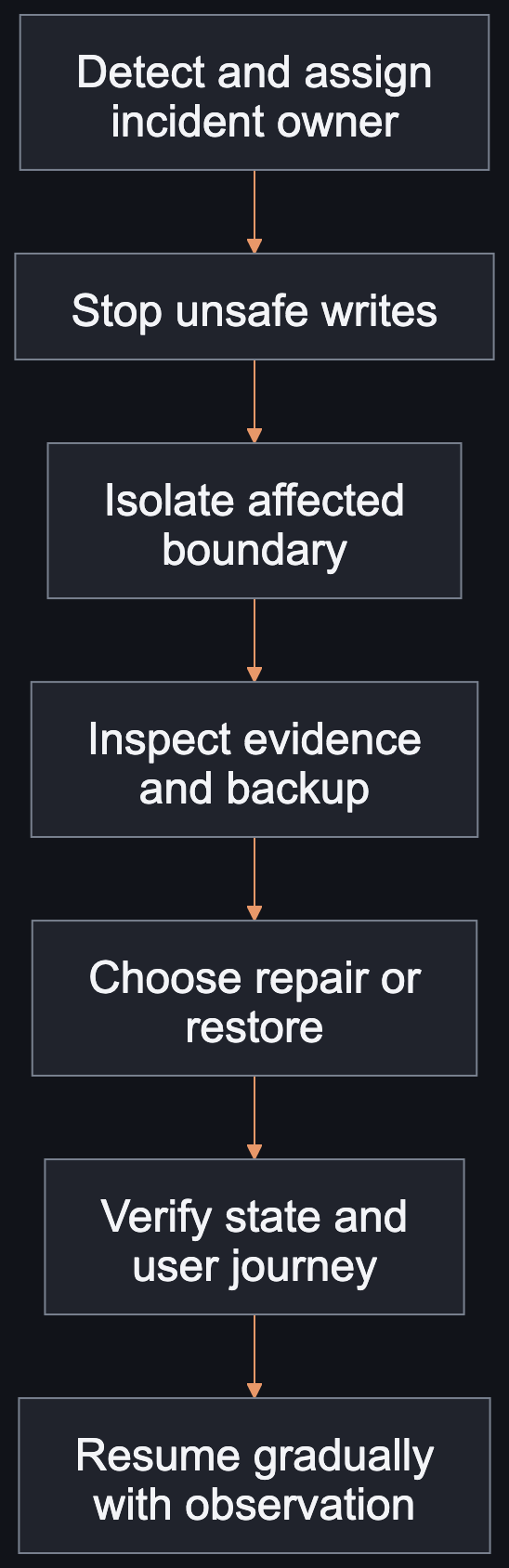
Imagine a fictional import job overwriting a subset of records with an incorrect mapping. The first priority is to stop additional unsafe writes and identify the affected boundary. Assign an incident owner before several people attempt incompatible repairs. Preserve the evidence needed to determine scope. The recovery flow separates detection, containment, inspection, repair, verification, and gradual resumption. It is a rehearsal model, not a claim that every incident should restore a backup.
Contain, inspect, restore
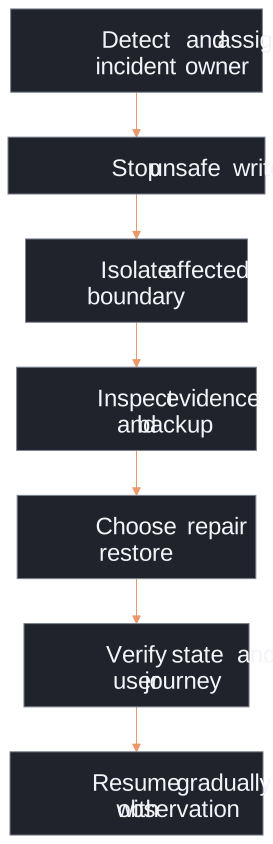
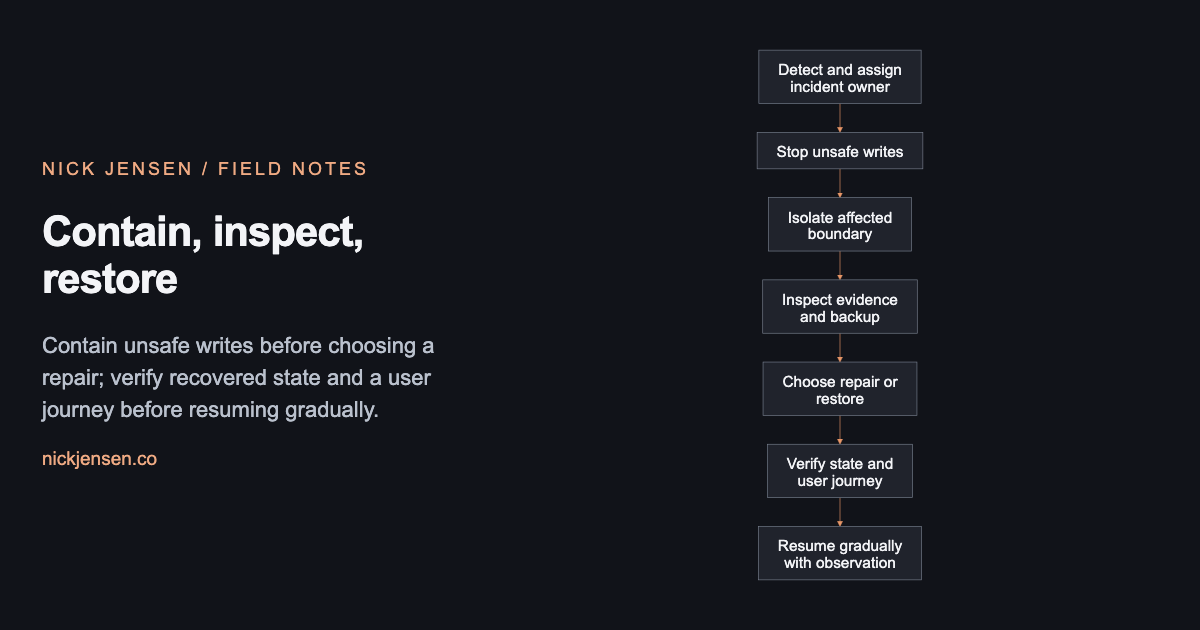
Contain unsafe writes before choosing a repair; verify recovered state and a user journey before resuming gradually.
Illustrative framework · Graphic by Nick JensenRead the diagram as text
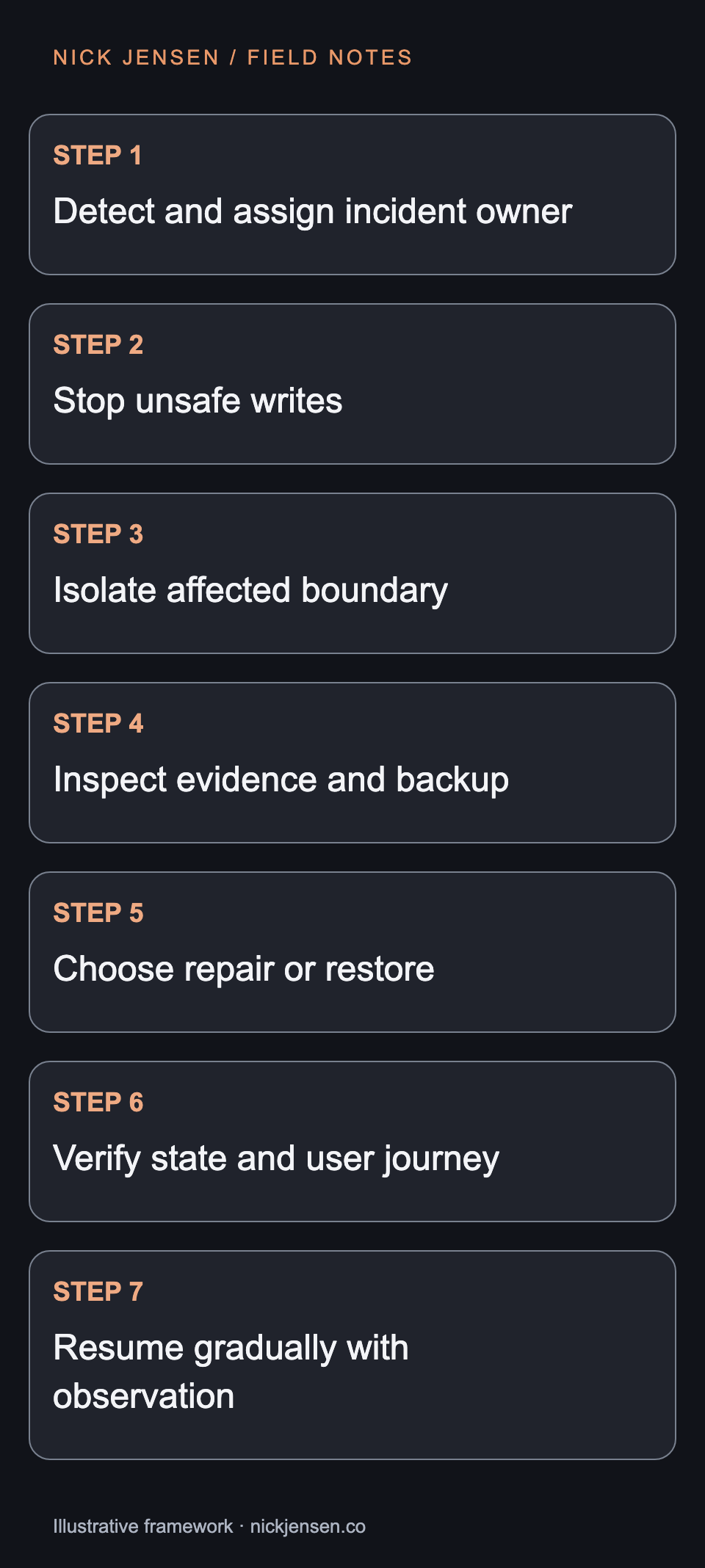
Flow from detect and assign incident owner, then stop unsafe writes, then isolate affected boundary, then inspect evidence and backup, then choose repair or restore, then verify state and user journey, then resume gradually with observation. Contain unsafe writes before choosing a repair; verify recovered state and a user journey before resuming gradually.
Choose the recovery operation deliberately
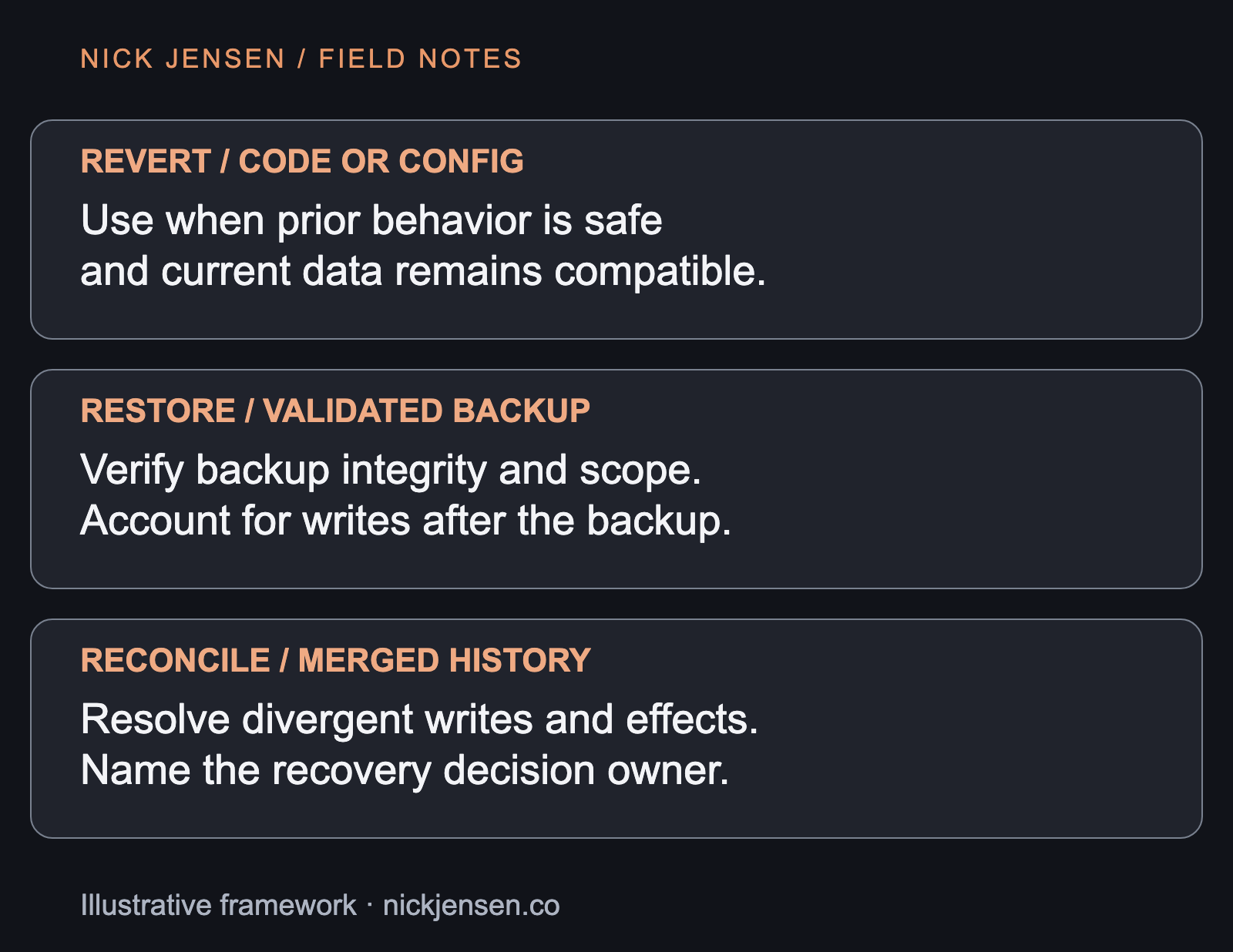
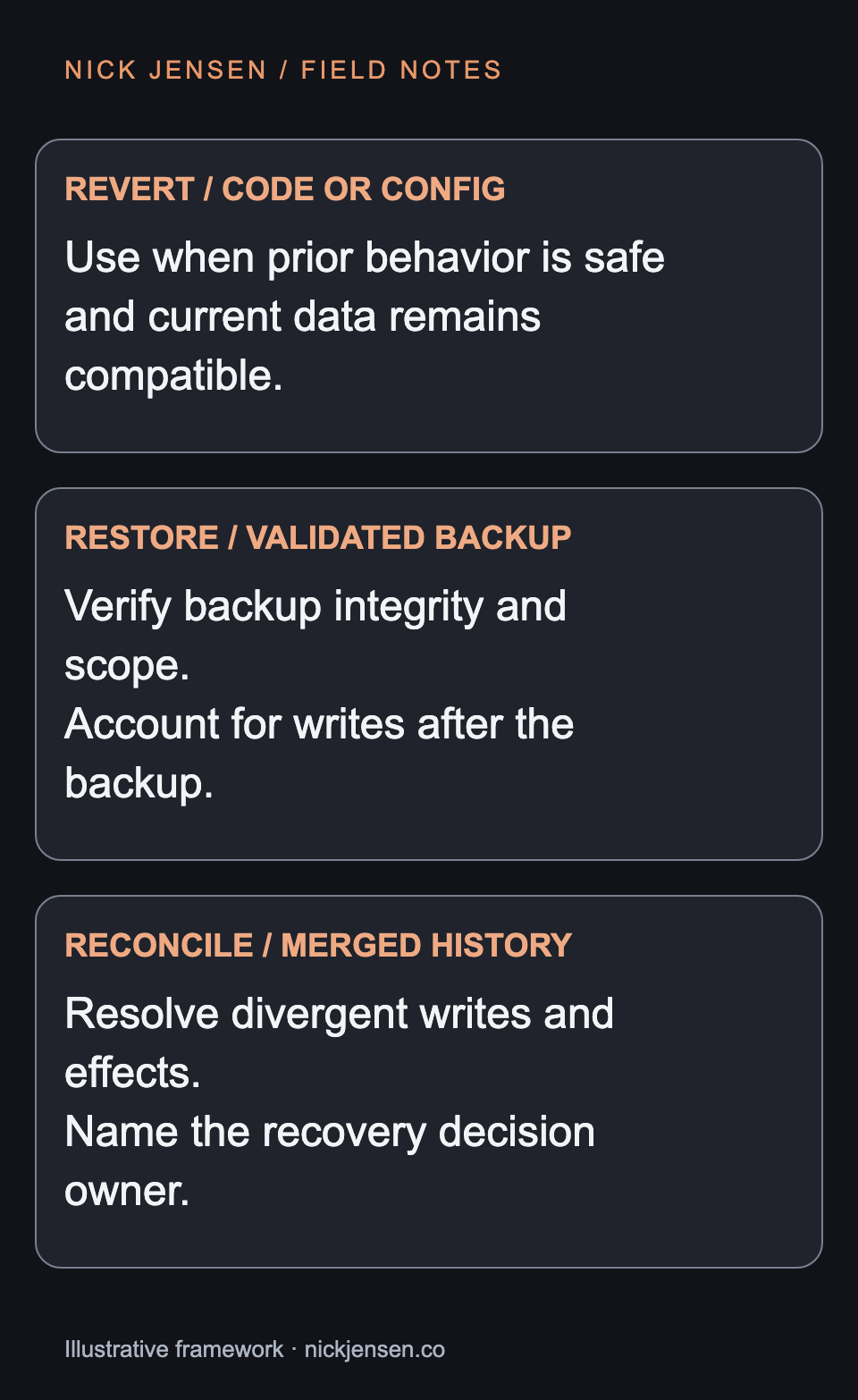
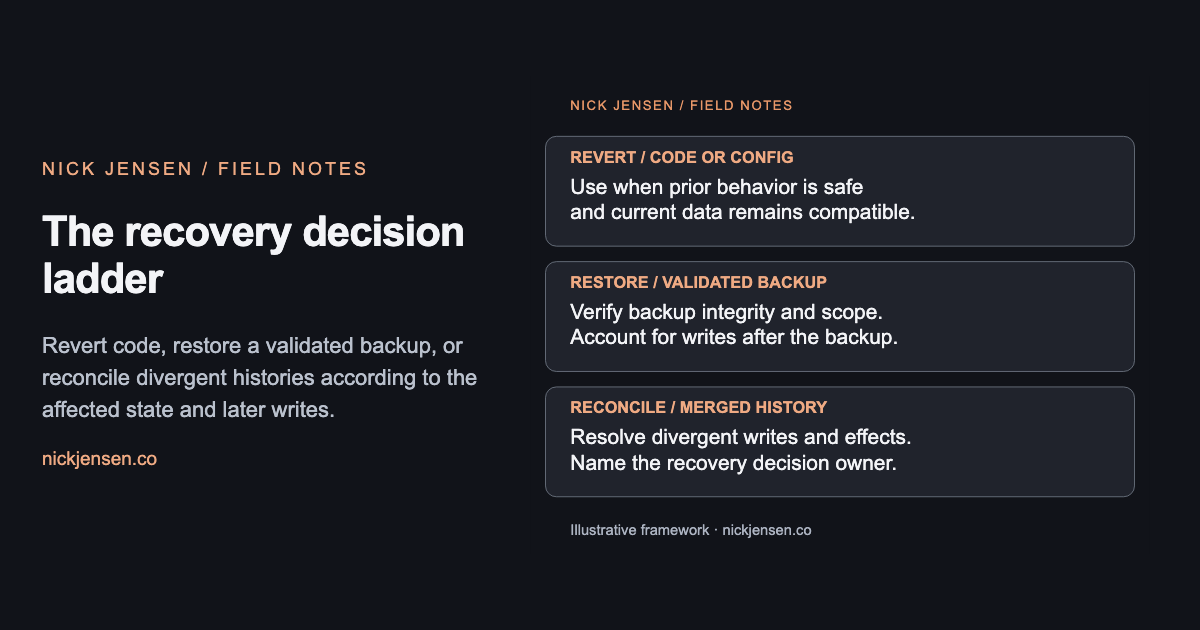
A code or configuration revert may stop the bad behavior while leaving corrupted data in place. A backup restore may recover older values while losing valid writes after the snapshot. Reconciliation may be needed to combine histories and account for external effects. The decision cards show these differences. Before choosing a restore, validate the backup’s integrity and scope in an isolated environment. An export file existing somewhere is not evidence that it contains the right records or can be restored successfully.
The recovery decision ladder
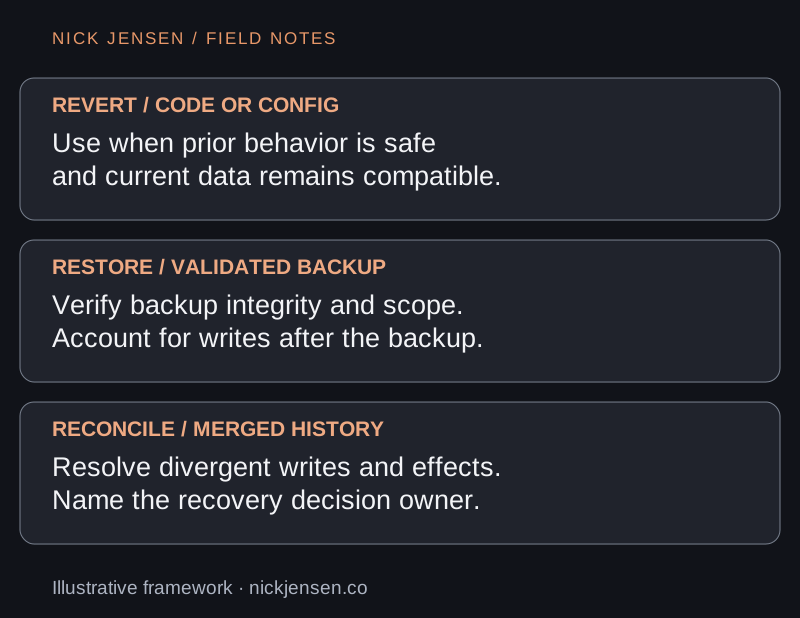
Revert code, restore a validated backup, or reconcile divergent histories according to the affected state and later writes.
Illustrative framework · Graphic by Nick JensenRead the diagram as text
Revert / code or config: Use when prior behavior is safe and current data remains compatible.; Restore / validated backup: Verify backup integrity and scope. Account for writes after the backup.; Reconcile / merged history: Resolve divergent writes and effects. Name the recovery decision owner. Revert code, restore a validated backup, or reconcile divergent histories according to the affected state and later writes.
| Point in time | Record state and recovery question |
|---|---|
| Validated snapshot | Record r1 has the correct value. Can it be restored in isolation? |
| Incorrect import | r1 is overwritten. Which fields and relationships are affected? |
| Later valid write | r2 is created legitimately. A snapshot-only restore would lose it. |
| Recovery acceptance | Correct r1 and preserve r2; reconcile external effects without replaying delivery. |
Verify with a bounded drill
Use synthetic records with stable IDs. Make a known incorrect change, create a later valid write, and ask the proposed recovery to preserve both the corrected original state and the later legitimate record. Record which checks establish identity, relationships, and user-visible behavior. If the recovery discards the later record, do not call it successful because the application starts. If replaying data could resend messages or repeat payments, isolate those effects and reconcile their provider references separately. Never rehearse that behavior against live customers.
Resume with an explicit decision
The owner should know which checks passed, what remains uncertain, and what signal would trigger another pause. Resume gradually where the system permits it and inspect actual outcomes rather than relying only on a process exit code. This preparation costs time and disposable infrastructure. It reduces guesswork when the production incident removes the luxury of exploration. Start with one important recovery boundary and a short exercised runbook. The migration cutover article explains why a rollback after destination writes needs data reconciliation.