When to Use This Playbook
Ideal Situations for This Onboarding Program
New team member needs to use your Claude Code setup Team is adopting Claude Code for first time You're standardizing Claude Code practices across teams Someone keeps breaking the established patterns
The 4-Week Structure
Week 1: Foundation & Theory - Understanding the system and core concepts Week 2: Practical Application - Supervised practice with real features Week 3: Independence & Refinement - Working independently with light oversight Week 4: Mastery & Teaching - Contributing to the system and teaching others
Week 1: Foundation & Theory
Day 1: Orientation (1 hour)
What to cover: Why we use this system (show before/after results), the four pillars overview, tour of the setup (skills, hooks, agents, dev docs), where documentation lives. Hands-on: Show the structure with 'cd ~/.config/claude && tree -L 2', demonstrate skills in action with a simple task showing auto-activation. Assignment: Read the main implementation guide, watch Claude Code introduction video (if available), install Claude Code.
Day 2: Skills Deep Dive (2 hours)
What to cover: How skills work, how auto-activation works, when to create new skills, how to update existing skills. Hands-on: Trigger skills with 'Create a React component' and 'Create an API endpoint', show the skill-rules.json file. Assignment: Read all project skills, identify one pattern that should be added to skills, draft the addition.
Day 3: Dev Docs System (2 hours)
What to cover: Why dev docs prevent context loss, the three-file system (*-plan.md, *-context.md, *-tasks.md), planning workflow, how to update docs before compaction. Assignment: Pick a small bug fix, use planning mode, create dev docs, implement the fix, update docs before compaction.
Day 4: Hooks & Error Prevention (1.5 hours)
What to cover: How hooks work, build checker, error handling reminders, why zero errors left behind matters. Hands-on: Intentionally introduce a type error and show Claude fixing it automatically via hooks.
Day 5: Review & Practice (2 hours)
Pair programming session: They drive, you navigate. Implement a small feature together, point out best practices as you go, answer questions. Assignment: Solo implement one small feature end-to-end, submit for review.
Week 2: Practical Application
Monday: Agents Introduction (1 hour)
What to cover: Available agents and when to use them, how to create custom agents, agent best practices. Assignment: Use code-architecture-reviewer on your work, use build-error-resolver if you get errors, document the results.
Tuesday-Thursday: Supervised Practice
Structure: Assign real features (small to medium), daily 15-minute check-ins, review dev docs and plans, review code produced by Claude, give feedback on prompting. Watch for: Are they planning first? Are they creating dev docs? Are they reviewing Claude's output? Are they using agents appropriately?
Friday: Retrospective (1 hour)
Questions: What's working well? What's confusing? What patterns have you noticed? What would you add to the skills? Group exercise: Review each other's code from the week, discuss different approaches, update skills based on learnings.
Week 3: Independence & Refinement
Goal: Work Independently with Light Oversight
Monday: Advanced Techniques (1 hour)
Cover: Custom slash commands, utility scripts attached to skills, multi-repo strategies, PM2 setup (if applicable).
Tuesday-Thursday: Independent Work
Assign a full feature (medium complexity). Only check-in if they ask. Review final result. They should demonstrate: Complete planning process, proper dev docs workflow, use of relevant agents, clean error-free code, good commit messages.
Friday: Knowledge Share (1 hour)
Have them present: Feature they built this week, their approach and planning, challenges they faced, how they used the system, what they'd do differently. Team discusses and learns together.
Week 4: Mastery & Teaching
Goal: They Can Teach Others
Monday: Create Their Own Content
Assignment: Create a skill for their domain, OR create an agent for common task, OR write a tip sheet for team.
Tuesday-Wednesday: Contribute
Task: Identify improvement to team setup, implement it, document it, present to team. Examples: Better error messages in hooks, new agent for common pattern, improved slash command, updated skill with new patterns.
Thursday: Mock Onboarding
Exercise: Pair them with someone newer, they teach what they learned, you observe and give feedback.
Friday: Graduation (30 minutes)
Checklist review: ✅ Can plan features independently ✅ Creates and maintains dev docs ✅ Uses skills system correctly ✅ Runs code reviews with agents ✅ Fixes errors systematically ✅ Can teach others basics ✅ Contributes to team setup
Self-Service Materials
Create These Resources
Quick Start Guide (1 page): Your first task steps, key commands, when in doubt guidance. Troubleshooting FAQ: Common issues with solutions - skills not activating, hooks not running, build errors not caught, context loss after compaction. Video Library: Record short videos - setup tour (5 min), planning workflow (10 min), using agents (7 min), dev docs system (8 min), best practices (12 min). Template Repository: Provide blank skill templates, agent templates, dev docs templates, example implementations.
Team Standards Document
Required Practices
ALWAYS plan before implementing ALWAYS create dev docs for features ALWAYS run code review before committing NEVER leave TypeScript errors UPDATE dev docs before compaction
Skill Maintenance
Team reviews skills monthly. Anyone can propose updates. Changes need 2 approvals.
When to Ask for Help
Stuck for >30 minutes, Claude going off track, not sure which approach, feature complexity unclear.
Common Onboarding Pitfalls
Pitfall 1: Too Much Too Fast
Solution: Focus on basics first (planning + dev docs). Add advanced techniques in week 3.
Pitfall 2: Not Practicing Enough
Solution: Ensure hands-on work every day, even if just 30 minutes.
Pitfall 3: No Feedback Loop
Solution: Daily check-ins week 1-2, code reviews throughout.
Pitfall 4: Isolated Learning
Solution: Pair programming, group retrospectives, team channel.
Pitfall 5: Documentation Disconnect
Solution: Update docs based on actual questions asked.
Measuring Success
Week 1 Checkpoint
Can explain the four pillars, can use basic workflow, understands why we use this system.
Week 2 Checkpoint
Completing small features independently, using agents appropriately, creating good dev docs.
Week 3 Checkpoint
Handling medium features solo, catching own mistakes, contributing improvements.
Week 4 Checkpoint
Full autonomy, teaching others, adding to team knowledge.
Final Thought
The best teams don't just have great tools—they have great processes for scaling knowledge. Use this playbook to build a team that can teach itself.
Make the first useful change the onboarding test
Choose a reversible user-facing task
A fictional new teammate is asked to improve an empty-state message. That task is small enough to reverse but still crosses the important boundaries: local setup, content loading, component behavior, tests, review, and release. It is a better onboarding probe than merely proving the development server starts. Before the change, trace the user path together. Explain where the message comes from and which related routes share it. Use synthetic records so learning the system does not require broad access to customer data.
The first-change path
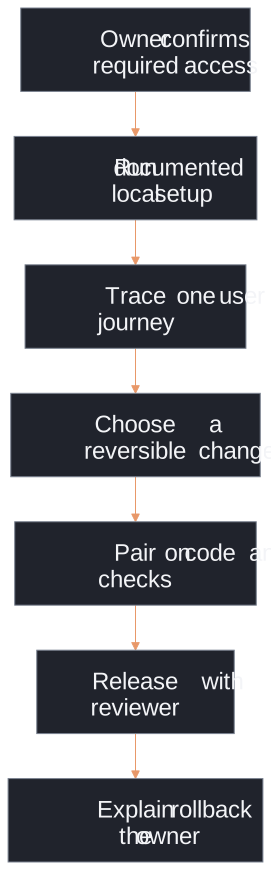
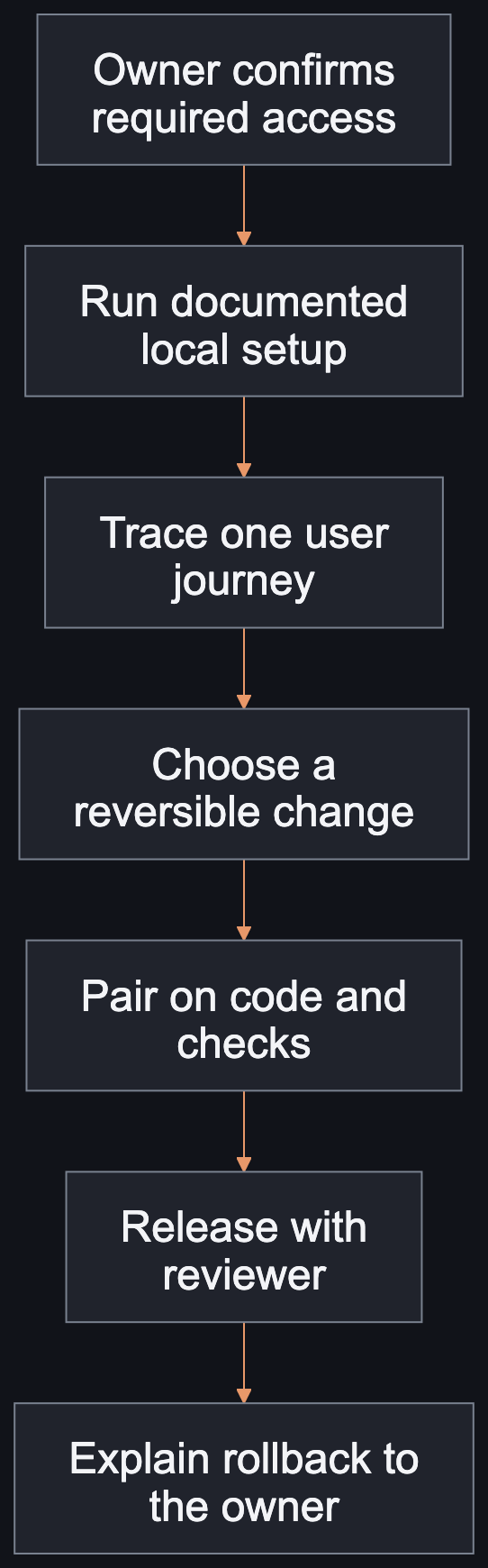
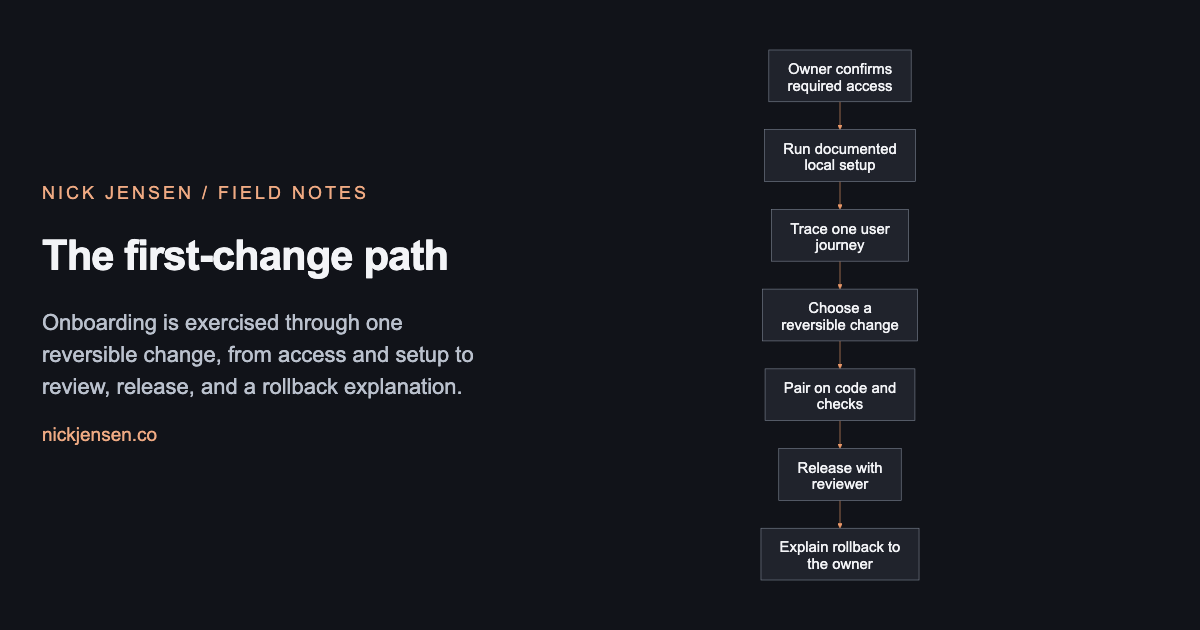
Onboarding is exercised through one reversible change, from access and setup to review, release, and a rollback explanation.
Illustrative framework · Graphic by Nick JensenRead the diagram as text
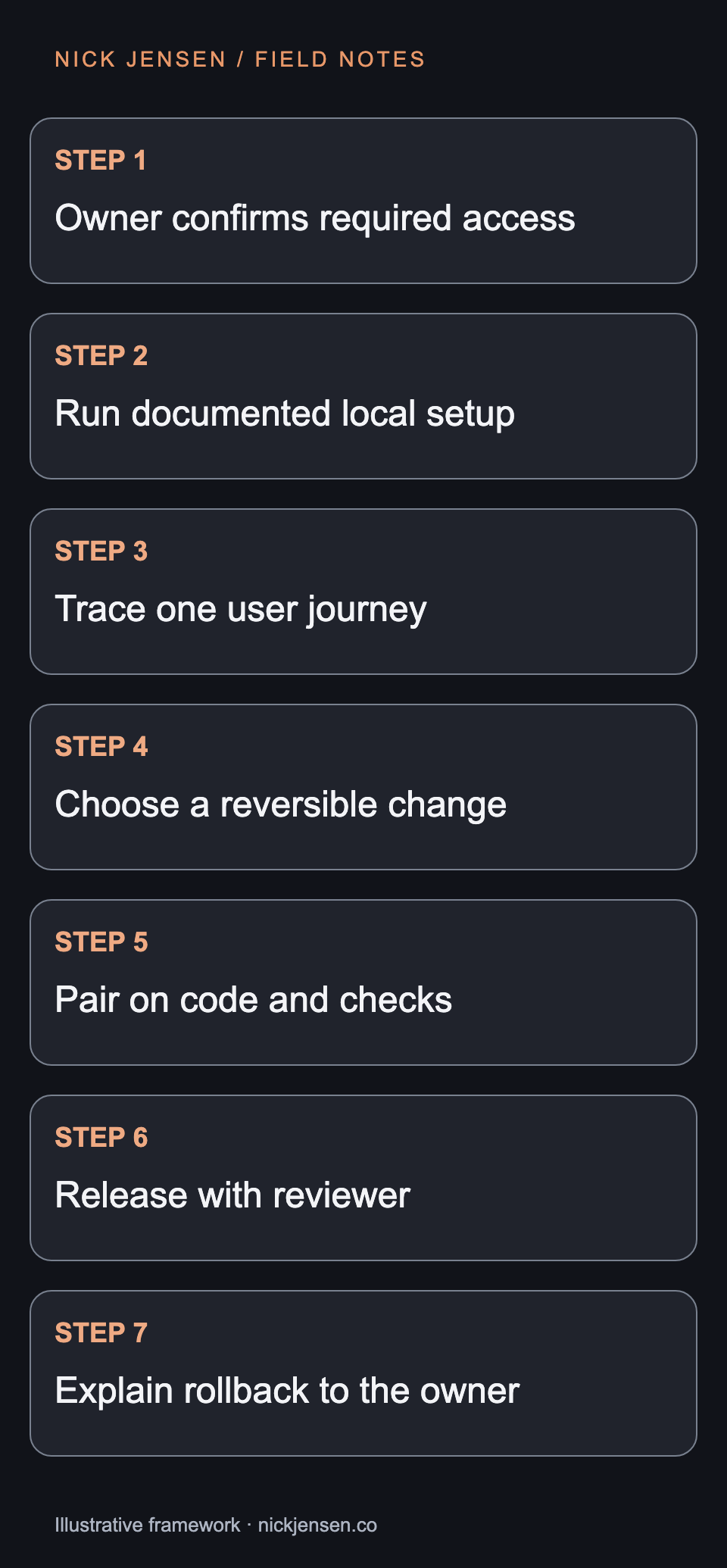
Flow from owner confirms required access, then run documented local setup, then trace one user journey, then choose a reversible change, then pair on code and checks, then release with reviewer, then explain rollback to the owner. Onboarding is exercised through one reversible change, from access and setup to review, release, and a rollback explanation.
Assign responsibility for the missing pieces
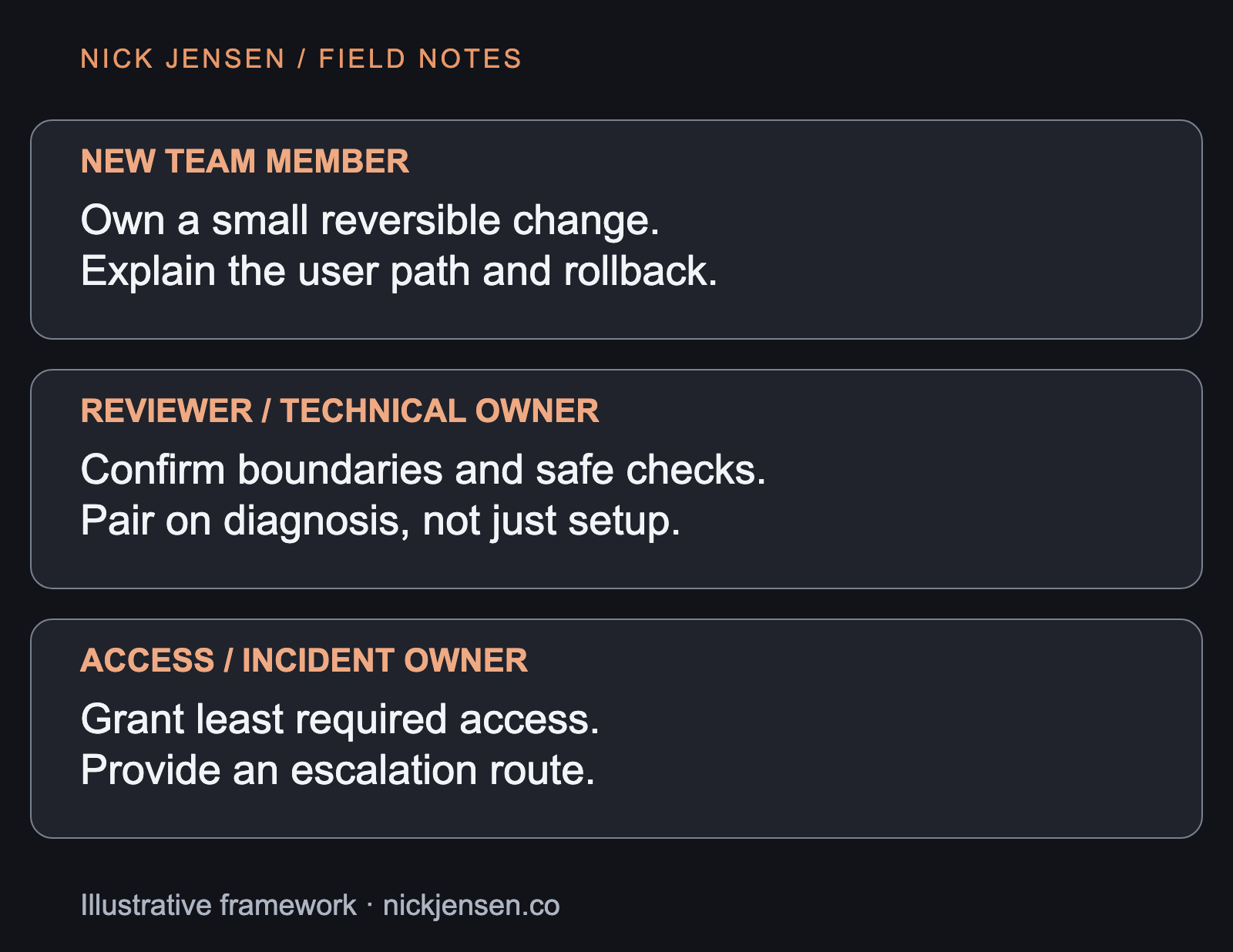
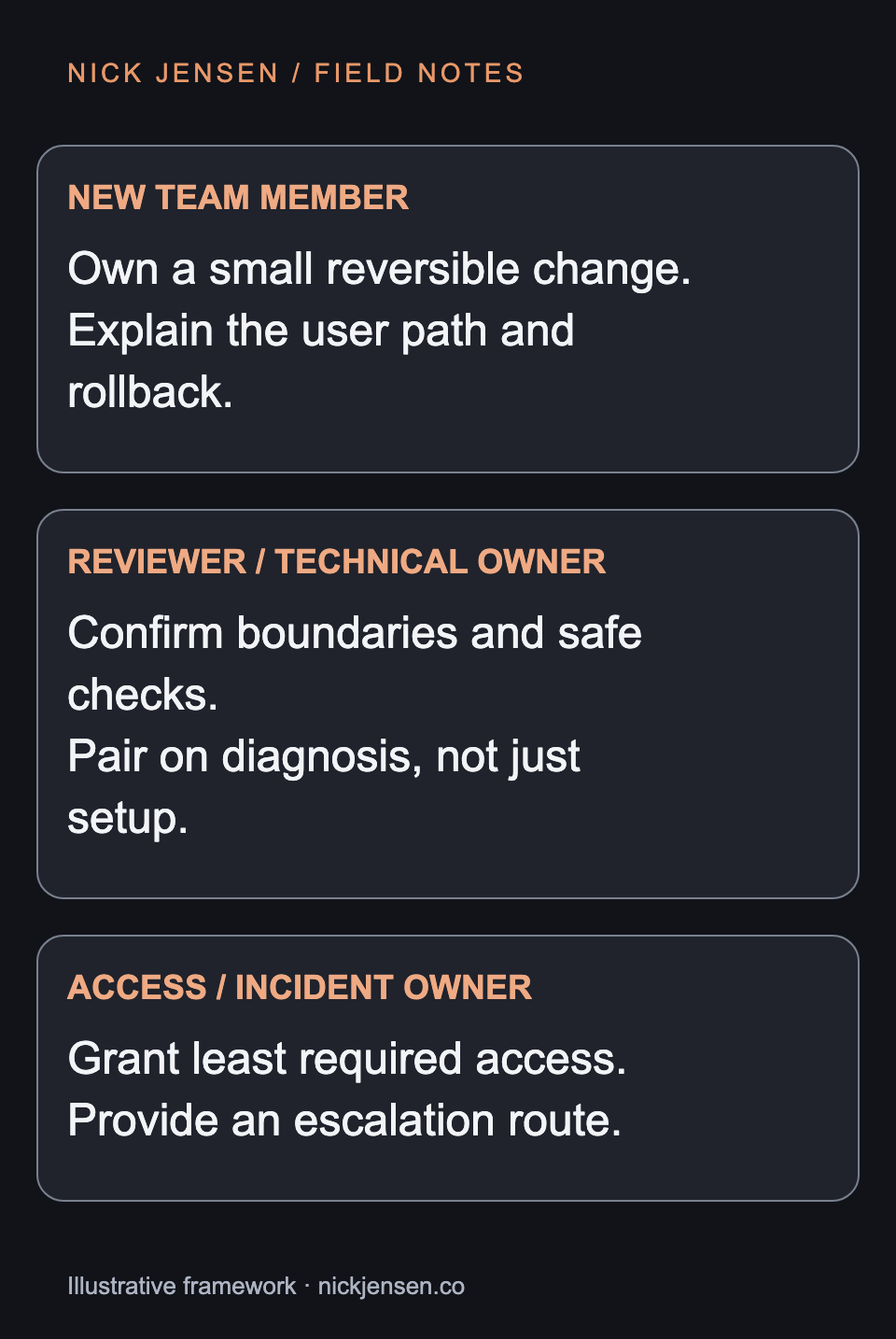
The new teammate owns the change and asks questions. A technical reviewer explains the contract and verifies the diff. An access owner grants the minimum required permissions and supplies an escalation route. One person may hold several roles, but the responsibilities should still be named. The flowchart shows the path from access to a reviewed release. The responsibility cards explain who can unblock each step. Neither is a deadline promise: setup problems and unclear ownership are findings to fix, not evidence that the new teammate is slow.
The ownership map
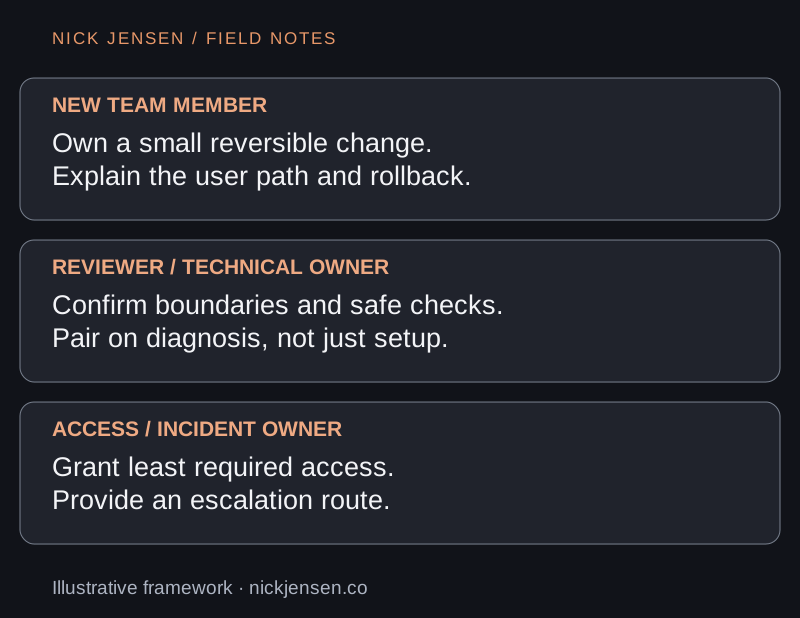
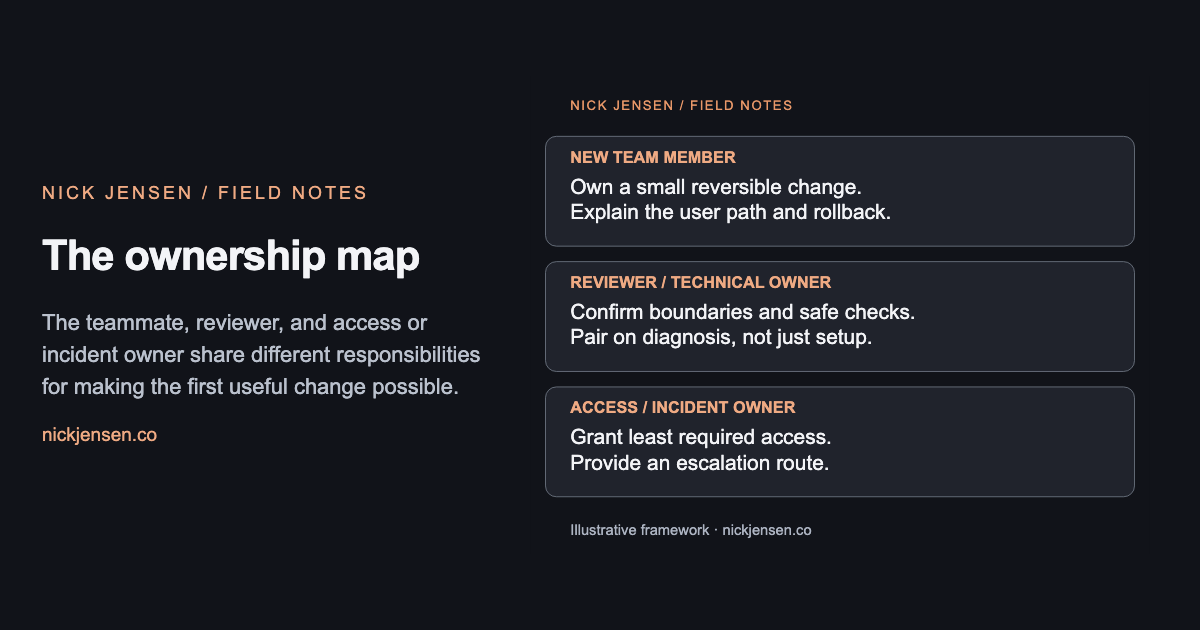
The teammate, reviewer, and access or incident owner share different responsibilities for making the first useful change possible.
Illustrative framework · Graphic by Nick JensenRead the diagram as text
New team member: Own a small reversible change. Explain the user path and rollback.; Reviewer / technical owner: Confirm boundaries and safe checks. Pair on diagnosis, not just setup.; Access / incident owner: Grant least required access. Provide an escalation route. The teammate, reviewer, and access or incident owner share different responsibilities for making the first useful change possible.
| Boundary | Evidence the teammate can demonstrate |
|---|---|
| Setup | Run documented commands with synthetic data and no production credentials. |
| User path | Explain the empty state, its source, and which routes share it. |
| Review | Show a meaningful check failing before the correction and passing after it. |
| Recovery | Explain the release owner, failure signal, and reversible change boundary. |
Use failure as an onboarding signal
Suppose the documented test command expects a local database that the setup guide never mentions. Fix the setup instructions and provide a disposable test database. Do not tell the new teammate to connect to production just to make the check green. Then introduce a controlled error in the synthetic path and ask where it would appear. The exercise should identify the log, the owner, and a recovery action. If everyone depends on a private Slack memory to answer, the handoff remains incomplete.
Accept the capability, not the checklist
Ask the teammate to explain the change, run the checks, and describe how to revert it. Capture unresolved setup or ownership gaps with a responsible person. Avoid turning one successful change into a claim that the whole system is understood. This approach takes reviewer time, especially when the documentation is weak. That time exposes recurring friction that otherwise falls on every future hire. Use the engineering-handoff article to turn the discoveries into an exercised operating guide.