Field notes / Startup & Product
Performance work starts with the user journey
Show how to prioritize observed delays and verify a change without chasing a vanity score.
Performance work should start with the person trying to finish something. A fast homepage score does not help a reader if the article diagram is unreadable, or a prospective client if the contact journey stalls after submission.
For this site, a useful journey is finding a guide, opening a chapter, understanding a diagram, and following a relevant next step. That creates concrete questions about document delivery, readable media, script cost, and interaction rather than a vague instruction to make everything faster.
Distinguish a schematic from a trace
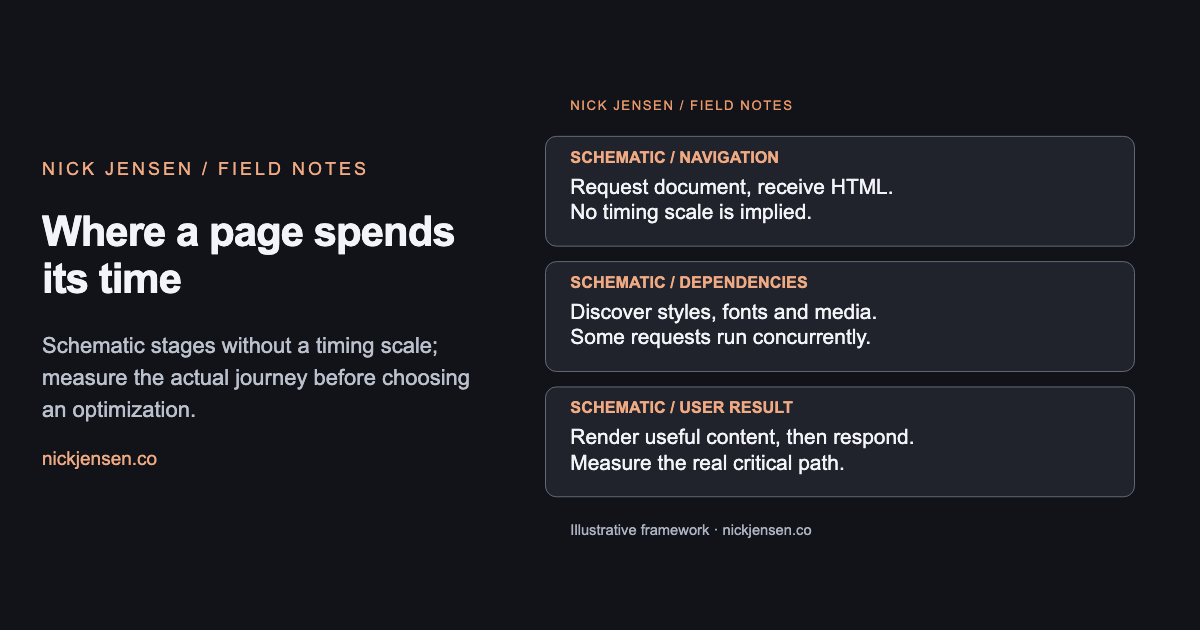
The following graphic names stages a browser may encounter. It is deliberately not a measured waterfall: there is no timing axis, and resources can overlap. A real bottleneck needs an actual trace under stated conditions.
Where a page spends its time
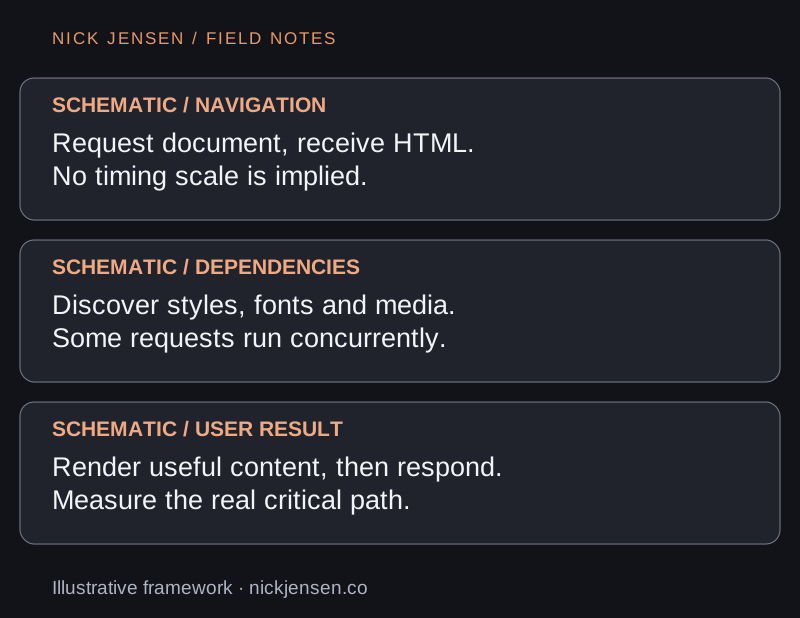
Schematic stages without a timing scale; measure the actual journey before choosing an optimization.
Illustrative framework · Graphic by Nick JensenRead the diagram as text
Schematic / navigation: Request document, receive HTML. No timing scale is implied.; Schematic / dependencies: Discover styles, fonts and media. Some requests run concurrently.; Schematic / user result: Render useful content, then respond. Measure the real critical path. Schematic stages without a timing scale; measure the actual journey before choosing an optimization.
Capture the page, device, viewport, network condition, cache state, and build revision before comparing results. A warm desktop reload and a cold mobile visit answer different questions. Preserve the baseline so an improvement can be checked again.
Reduce the cost of the right resource
The diagram pipeline in this repository compiles Mermaid at build time. Readers receive static SVG rather than a client diagram engine. Images have explicit dimensions, text alternatives, captions, and narrow-screen variants. The graphics index uses smaller WebP previews while the original SVG remains available in its article context.
The exporter records raw and optimized byte counts in a versioned optimization report. SVG optimization preserves accessible titles, descriptions, IDs, and the viewBox. PNG compression keeps the social card's dimensions and uses a lossless, non-palette output. The report measures bytes; it does not establish a Core Web Vitals improvement.
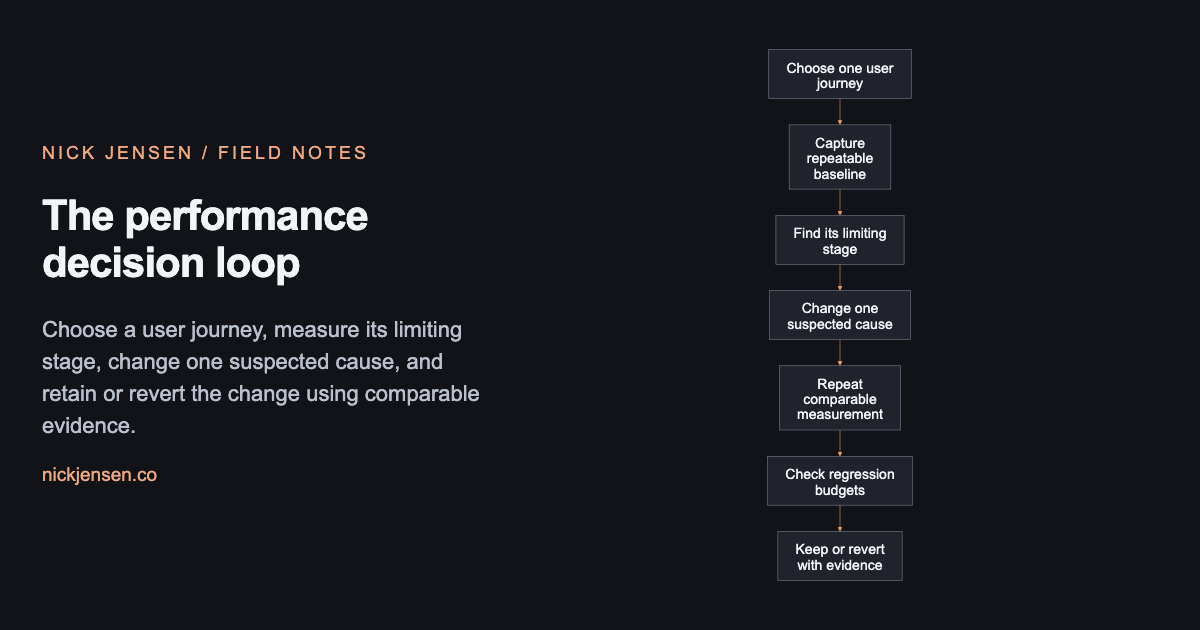
The performance decision loop
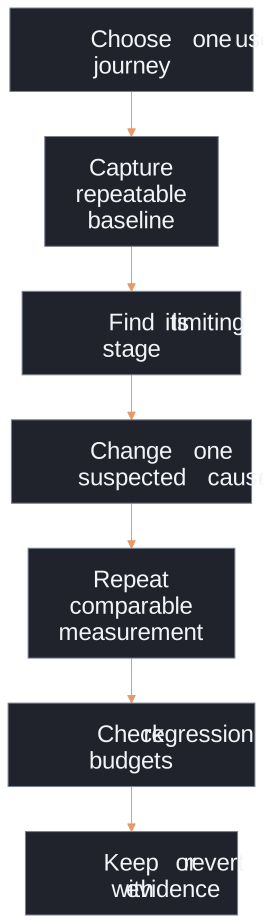
Choose a user journey, measure its limiting stage, change one suspected cause, and retain or revert the change using comparable evidence.
Illustrative framework · Graphic by Nick JensenRead the diagram as text
Flow from choose one user journey, then capture repeatable baseline, then find its limiting stage, then change one suspected cause, then repeat comparable measurement, then check regression budgets, then keep or revert with evidence. Choose a user journey, measure its limiting stage, change one suspected cause, and retain or revert the change using comparable evidence.
Change one cause, then check the journey
If the trace shows excessive script work, reducing image bytes alone may not help responsiveness. If the main image arrives late, removing a small helper function may not change the visible result. Pick the suspected limiting stage and make one attributable change before measuring again.
Keep regression budgets close to the pages people use. This repository checks compressed JavaScript estimates from built output. Those estimates help catch a bundle increase, but they are not transferred-byte measurements and do not include every runtime condition.
Performance also has a usability floor. An unreadably compressed image or a missing error message can make a lighter page worse. Inspect the actual diagram at a phone width, verify keyboard access, and exercise the complete navigation path alongside the byte check.
The Sharp output documentation and SVGO preset documentation describe the exporter primitives; the implementation and report show how this site applies them. Explore the graphics library, then use the debugging guide to isolate a bottleneck. For help owning the whole user journey, start a build conversation.
From the idea to the work
Make the workflow useful in a real product.
Bring a product idea, an internal tool, or an AI-assisted workflow that needs a working implementation.